A four-week training plan on your own zones

The plan starts from your lab report and goes onto your watch. When the four weeks are up, the next block is built on what you actually did.

No subscription: you buy four weeks at a time. Analysing three lab reports is free, before you buy anything.

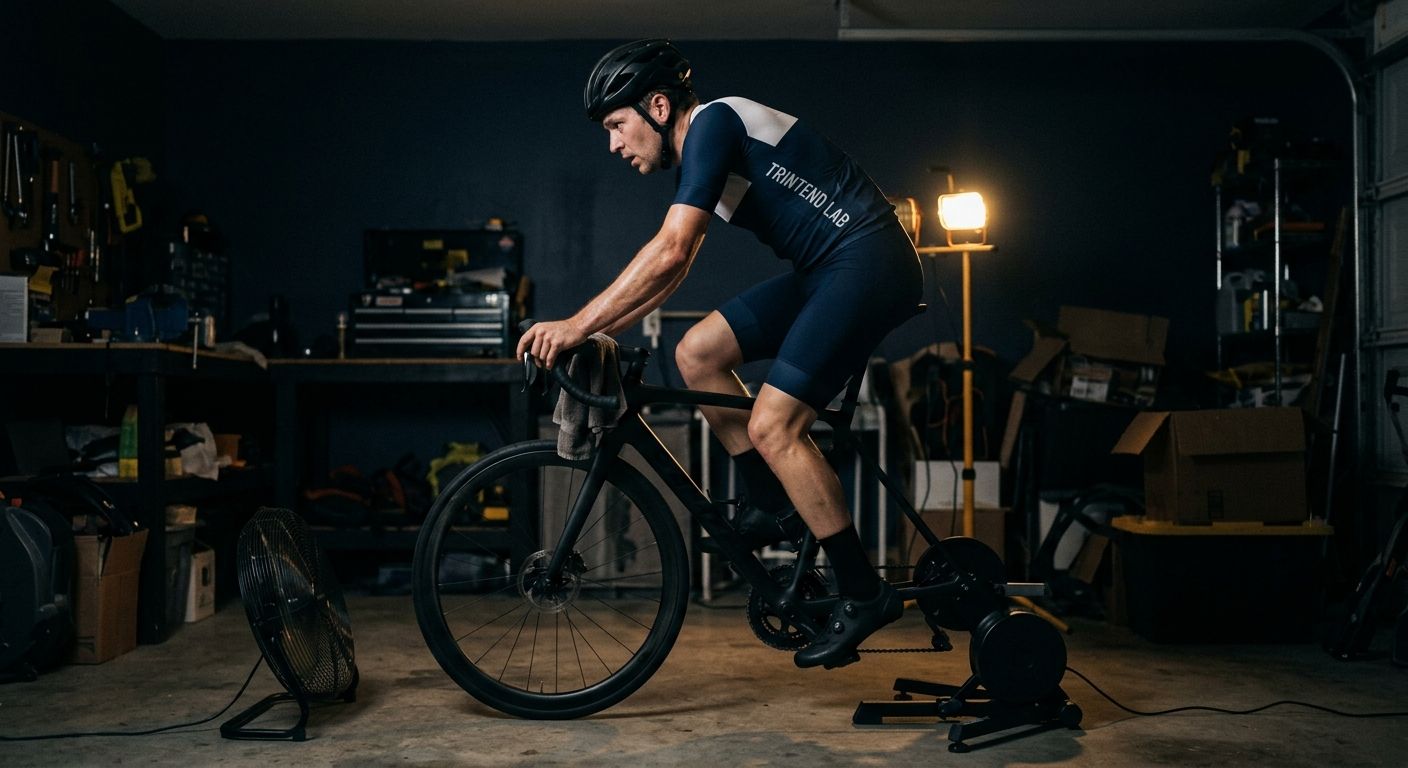
Cyclist on an indoor trainer in a garage under a work lamp

What it looks like inside

Three screens from the live app: today's session, your current week and the full four-week plan. The illustrated guide shows all nine steps, from signing up to your first training plan.

Today: today's session with the full prescription
My week: the current week's calendar
My diary and watch: the full four-week plan

Tap a picture to enlarge it.

Where the data comes from, and where it goes

The process is the same for every block. What changes is the data: every new four weeks works from more real sessions.

Lab reportor test workoutAthlete profilegoal, weekly time, training daysCoach methodologyif you work with a coach Zonesper sport, lab data first Four-week planon your measured zones, for your goalInjury reportrecovery sessions only Your watchvia Garmin or Intervals.icuEvaluationplan vs. actual Weekly summaryin every package the next four weeks start from the summaries
Tap the diagram to enlarge it.

The dashed line is the feedback. The coach methodology only applies if a coach referred you.

Your zones

From the uploaded PDF the system reads the lactate values stage by stage, power or pace and heart rate, and for a CPET test the gas-exchange data as well. If the lab has already defined zones, it uses them unchanged, with your lab's names. If your lab wrote "E2" and "AN" zones, your plan refers to those.

It only falls back to a formula if you have no lab zones. Then you have two options: zones estimated from your basic data, or a test workout that gives you measured zones. You can upload a lab report later.

  • Running: pace, heart rate and running power
  • Cycling: power and heart rate
  • Swimming: pace per 100 metres, from your critical swim speed (CSS)
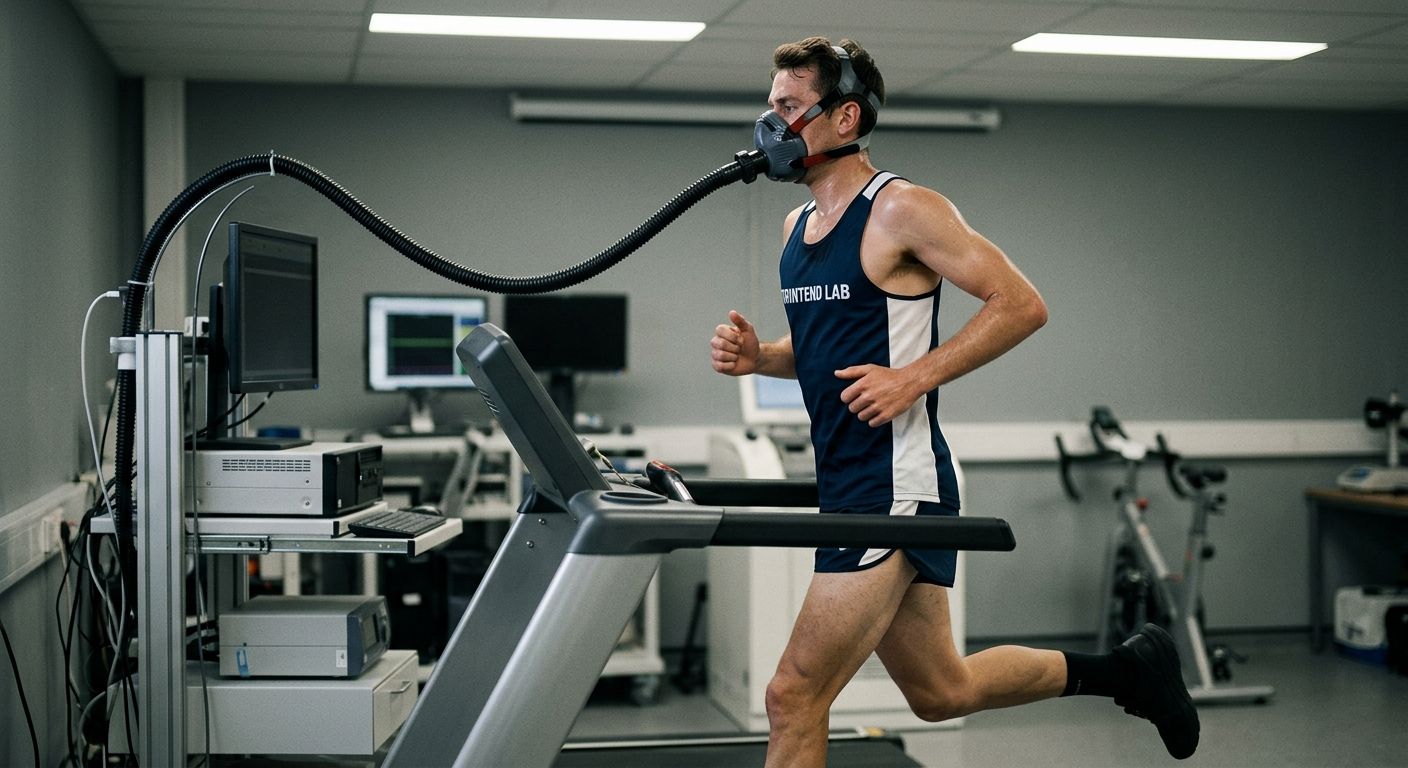
Runner wearing a gas-exchange mask on a laboratory treadmill

What lands on your watch

Every session arrives broken into steps: warm-up, work and recovery intervals, cool-down, each with your own target range. You can choose per session whether it runs on heart rate, pace or power, but only with a measure you have a zone table for. So you never get a session your watch cannot follow.

There are two ways to get it there, and both are included in every package.

Direct Garmin connection. On My account → My diary and watch you connect your Garmin Connect account. Your recorded sessions then come in on their own. If you switch it on, your run, ride and swim sessions for the next two weeks go straight into your watch's calendar. With a separate consent your sleep, HRV, resting heart rate and stress data can come in too, for the assessment of your recovery. The connection does not bring over your earlier sessions; it collects from the day you connect.

Intervals.icu. Works with any watch. If you move a session to another day there, the plan follows. With a Garmin watch you do not need it. Setting it up is a one-off:

  1. Sign up at Intervals.icu (free) and connect it to your watch account (Garmin Connect, Polar Flow, Wahoo, Suunto, Coros).
  2. In the settings, under the API section, generate a key.
  3. Paste it into your TrintendLab profile. Before saving, the system checks it with a test call.

The key is stored encrypted and is never shown on screen again. If you use both, switch on sending to the watch in only one of them, otherwise every session shows up twice on your watch.
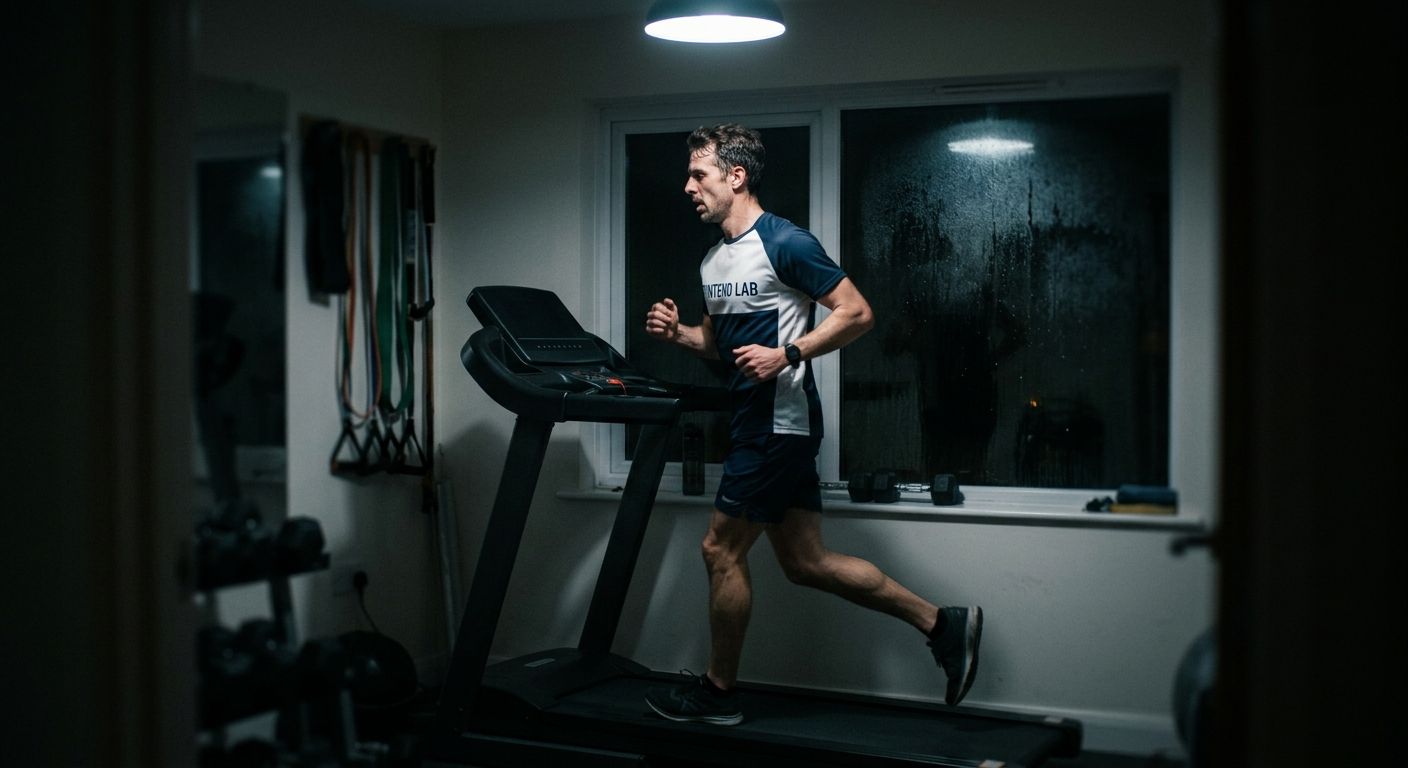
Runner on a home treadmill in the evening, wearing a smartwatch

After a session

When your watch uploads a session, the system matches it with the plan and marks whether it was completed. If you do a session a day or two later in the same week, it recognises that in most cases and does not mark it as missed. If it is unsure about an interval session, it asks you with one question.

A summary is written every week. It is in every package, because the next four-week plan starts from it.

In the Ultra package you also get a detailed e-mail every morning about the previous day: whether you stayed in the target zone, how your heart rate responded, and what your recovery shows (HRV, resting heart rate, sleep).

With an injury

If you report a moderate or severe injury, the next plan can only contain recovery sessions. The software checks this after generation, and if an intense session slipped in anyway, it makes the plan again.

Packages

The zones, the plan, the lab analysis and the Intervals.icu sync are the same in every package. The difference is how much AI help you get during the four weeks. You choose the package again with every purchase.

BasicPremiumUltra
Price per 4-week block€ 29€ 39€ 49
Lab analysis, zones per sport✓✓✓
Four-week plan with heart-rate / pace / power sessions✓✓✓
Intervals.icu sync and rescheduling✓✓✓
Direct Garmin connection, sessions to your watch✓✓✓
Month calendar: planned and completed sessions✓✓✓
Weekly summary✓✓✓
Replans per block1×2×4×
Training data: load (PMC), workout chart, peak curves, map–✓✓
Conversation with the AI coach, per day–30,000
tokens
90,000
tokens
Bug reporting–✓✓
Daily evaluation e-mail with recovery tracking––✓
Fuelling guidance for sessions over 90 minutes and races––✓
+ Human coach (optional, bought with the block)+ € 29+ € 29+ € 29

If you signed up through your coach's invitation, your coach's prices apply.

Your first block runs at an introductory price of € 15 with Ultra content, so you can see what the system does. Choosing a package opens from your second purchase.

The motivation programme can bring the price of your next blocks down, all the way to free.

These are the platform's prices, VAT included. If a coach referred you, they can set their own prices; you always see the amount to pay, per package, before you buy. A token is the unit of text for language models: a word is roughly one to two tokens, so 30,000 tokens is plenty for a long daily conversation. The allowance resets at midnight and only limits the chat.

What happens at the end of the four weeks

A purchase covers 28 days. You see the expiry date on screen the whole time, and you get a reminder before it. There is no grace period.

Stops

  • the conversation with the AI coach
  • the daily evaluation e-mail
  • replanning
  • bug reporting
  • further lab analyses

Stays

  • your plan and every session
  • your zones and lab results
  • your weekly summaries
  • your training data (after Premium or Ultra)
  • the Intervals.icu sync and the Garmin connection
  • your account

Buying a new block restarts everything straight away. If you paid and the plan was not created because of a technical fault, the system refunds the full amount without anyone having to step in, and your right to the introductory price is restored.

If you work with a coach

Your coach sets the planning principles: which methodology the system follows, how it spreads recovery, which phase it emphasises. The daily sessions are planned by the system from your measured data.

Your coach sees

  • your name and whether you are active
  • every plan made for you
  • the content of each session and its target zone name
  • which sessions were completed and which were missed
  • your purchases and their own commission

If you give them permission on the Privacy page, also

  • your recorded sessions, with heart rate and GPS route
  • your training load and form data
  • your zones and the lap-by-lap evaluation
  • the daily evaluation and the weekly summary
  • wellness data from your watch (sleep, HRV, resting heart rate)

They can only view it on screen, not download it. You can withdraw the permission with one click, and it ends immediately.

Not even with permission

  • your lab results and physiological markers
  • your health data and injury reports
  • your conversations with the AI coach
  • your bug reports
  • your daily evaluation e-mail (they get no copy of it)

With the "+ Human coach" add-on

If you buy it with your block and your coach has your permission, they do not just watch, they steer: they can write or rewrite sessions for your coming days, fix an AI session in place, approve your new plan before it is released (it waits at most 24 hours), and you can message each other per session. Past, completed or race sessions cannot be touched. If you have no coach, the platform's coach works with you under the add-on.

This is enforced by the database's row-level security (RLS). On top of that, the partner agreement binds the coach to confidentiality with no time limit.

Signing up

  1. Account. Name, e-mail, password.
  2. Profile. Sports, goal, weekly training days. Experience level and target race are optional.
  3. Zone source. Upload a lab report, do a test workout, or start with estimated zones.
  4. Garmin and/or Intervals.icu. You can connect them later; until then the plan is created but does not reach your watch.
  5. First plan. Four weeks, with your package's content.

Illustrated sign-up guide →

Your data

You can request an export of your data in machine-readable form at any time, and full deletion too, including the linked records. The database and file storage run in the EU, in the Ireland region; API keys are stored with AES-256-GCM encryption.

Questions

Who is it for, and who not?

It pays off if you have or will have a lab test, want structured workouts on your watch, and care that the next plan knows about the last one. Especially for triathletes, because the three sports' zones are handled separately.

If you just want a generic running plan without feedback, simpler tools will do.

Is this a subscription?

No. You pay once for a four-week block, with no automatic renewal. If you want to continue, you buy a new block and choose the package again.

Can I switch packages?

Yes, you can move up or down with the next block. Unused replans do not carry over to the next block.

What stays if my block expires and I don't buy a new one?

Your plan, your sessions, your zones, your lab results and your weekly summaries stay, so does your training data after a Premium or Ultra block, and the Intervals.icu sync and the Garmin connection keep working. The conversation, the daily evaluation, replanning and bug reporting stop.

Does it replace a coach or a doctor?

No. The plan is a sports recommendation, you are free to deviate from it, and it is not medical advice. With an injury, a health risk or a chronic condition, get a medical opinion before training.

What happens to my lab report?

The measurement points are read with AI analysis and your zones are built from them. This is health data (Art. 9 GDPR), so we only process it with your explicit consent, which you can withdraw at any time. Your coach has no access to it.

What can the AI coach do?

It sees your plans and your actual training data, so it can tell you why a session came out the way it did, what a zone means, or where you are in the block. Your coach cannot see these conversations. Available in Premium and Ultra.

Start with one lab report

Sign up, upload the PDF of your lab test, and see which zones you get. The first three analyses are free; you only pay for the training plan.

Questions? Write to us on the contact page.

Cyclist on a country road in TrintendLab kit